On one of Tracy’s hottest summer afternoons, few things are more frustrating than adjusting your thermostat and realizing your air conditioner isn’t responding. Maybe the display is blank. Maybe the temperature never changes. Or perhaps your HVAC system keeps running without ever making your home comfortable.
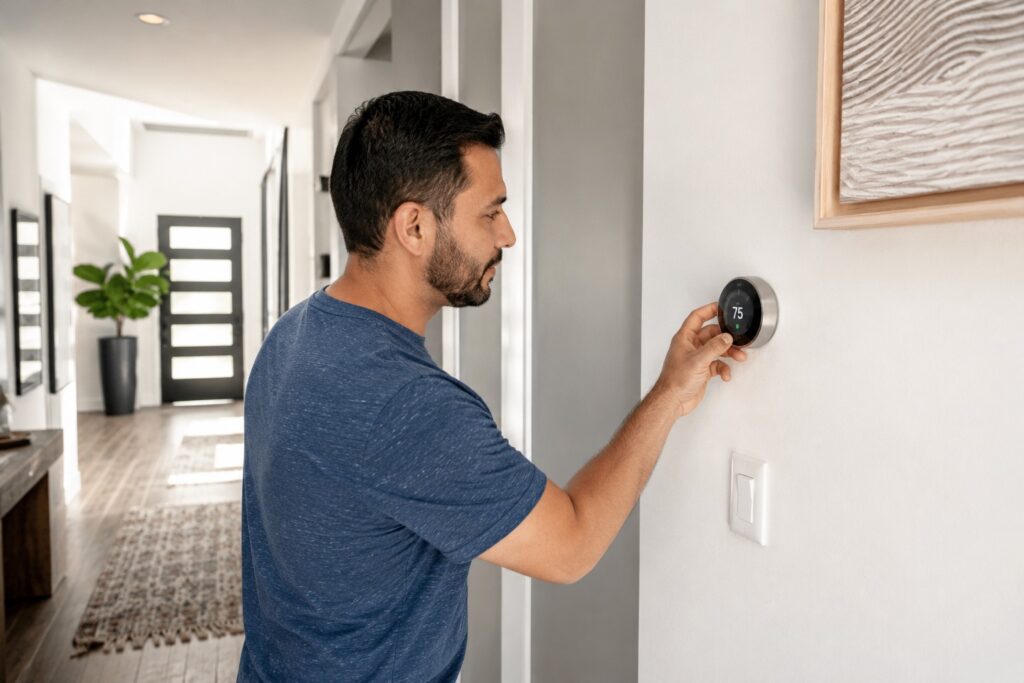
Your thermostat is the command center of your heating and cooling system. Even though it’s a relatively small device on your wall, it communicates with every major HVAC component. When something goes wrong, the symptoms can look like a major air conditioning or furnace failure, even when the actual problem is surprisingly simple.
The good news is that not every thermostat issue requires an expensive repair. Some problems can be solved in minutes, while others require professional diagnosis to prevent unnecessary damage to your HVAC equipment.
This guide explains the most common thermostat problems Tracy homeowners experience, what you can safely check yourself, and when it’s time to call an HVAC professional.
How Your Thermostat Controls Your HVAC System
Think of your thermostat as your home’s climate manager.
It constantly measures indoor temperature and tells your heating or cooling equipment when to start and stop. Once your home reaches the desired temperature, the thermostat signals the system to shut off.
Modern thermostats may also control:
- Heating
- Air conditioning
- Heat pumps
- Fan operation
- Humidity settings
- Programmable schedules
- Smart home automation
Because it serves as the communication hub, even a small malfunction can make your entire HVAC system appear broken.
Signs Your Thermostat May Not Be Working
Many homeowners initially suspect their air conditioner or furnace when comfort problems begin. However, the thermostat often provides clues that it’s the real source of the issue.
Watch for these warning signs:
Blank Display
If your thermostat screen is completely dark, possible causes include:
- Dead batteries
- Tripped breaker
- Power interruption
- Wiring issues
- Internal thermostat failure
Incorrect Room Temperature
Does your thermostat claim it’s 72°F while your house clearly feels closer to 80°F?
Temperature sensors can become inaccurate due to:
- Age
- Dust buildup
- Direct sunlight
- Poor thermostat placement
- Internal sensor failure
A thermostat that’s reading the wrong temperature will send incorrect commands to your HVAC system.
HVAC Won’t Turn On
If changing the thermostat setting produces no response:
- Batteries may be dead.
- The thermostat may have lost power.
- Wiring could be loose.
- Safety switches inside the HVAC equipment may be preventing operation.
HVAC Won’t Shut Off
Sometimes the opposite happens.
Your air conditioner continues running long after reaching the desired temperature.
Possible causes include:
- Faulty thermostat relay
- Calibration issues
- Incorrect wiring
- Sensor problems
Running continuously increases wear while driving up energy bills.
Temperature Constantly Changes
If your home swings between hot and cold throughout the day, your thermostat may be:
- Misreading temperatures
- Installed in a poor location
- Beginning to fail electronically
The Most Common Thermostat Problems
1. Dead Batteries
Many programmable thermostats rely on batteries for backup power.
Weak batteries can cause:
- Blank screens
- Random resets
- Lost schedules
- HVAC communication failures
Replacing batteries annually is one of the easiest preventive maintenance tasks.
2. Incorrect Thermostat Settings
Before assuming something is broken, verify:
- Mode is set to COOL (or HEAT during winter)
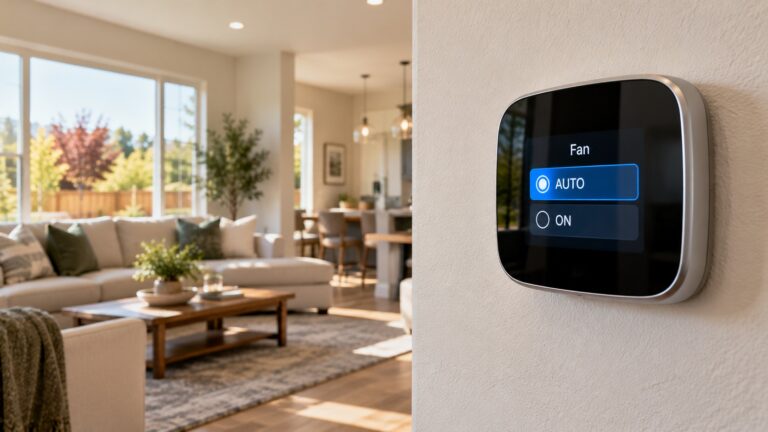
- Fan is on AUTO
- Desired temperature is correct
- Program schedule hasn’t overridden your settings
Accidentally selecting FAN ON instead of AUTO often confuses homeowners because the fan runs continuously even though cooling isn’t occurring.
3. Tripped Circuit Breaker
If your HVAC system suddenly loses power, inspect your electrical panel.
A tripped breaker may shut off:
- The thermostat
- Indoor air handler
- Outdoor condenser
If breakers continue tripping, professional diagnosis is recommended rather than repeatedly resetting them.
4. Dirty Thermostat
Dust can interfere with internal sensors.
Over time this may cause:
- Incorrect temperature readings
- Delayed system response
- Inconsistent comfort
Cleaning around the thermostat with a soft brush can sometimes improve accuracy.
5. Poor Thermostat Placement
Location matters more than many homeowners realize.
A thermostat installed near:
- Windows
- Exterior doors
- Kitchens
- Skylights
- Direct sunlight
- Supply vents
may receive misleading temperature readings. Experts also recommend avoiding placement in kitchens because cooking heat can create “ghost readings” that make the air conditioner run longer than necessary.
For example, if afternoon sunlight warms the thermostat by several degrees, it may continue cooling long after the rest of the home is comfortable.
6. Loose Wiring
Over years of operation, wiring connections can loosen.
This may result in:
- Intermittent HVAC operation
- Random shutdowns
- Blank display
- Communication errors
Electrical troubleshooting should always be handled by qualified HVAC professionals.
7. Old Thermostat
Most thermostats eventually wear out.
Older mechanical thermostats may:
- Lose calibration
- Respond slowly
- Waste energy
- Provide inconsistent comfort
Replacing an outdated thermostat often improves both comfort and efficiency.
DIY Thermostat Troubleshooting Checklist
Before scheduling service, try these simple steps.
Step 1: Check Batteries
Replace batteries even if they don’t appear completely dead.
Fresh batteries eliminate one of the most common thermostat issues.
Step 2: Verify Settings
Confirm:
- COOL mode
- AUTO fan
- Temperature lower than current room temperature
Many service calls are resolved in less than a minute because the thermostat was accidentally switched to the wrong mode.
Step 3: Inspect the Breaker
Look for tripped breakers serving:
- Air conditioner
- Furnace
- Air handler
Reset once.
If it trips again, stop and call a professional.
Step 4: Replace the Air Filter
Although filters don’t directly affect thermostats, restricted airflow can create symptoms that mimic thermostat failure by preventing your HVAC system from reaching the set temperature. Regular filter replacement can improve efficiency by reducing strain on the system.
Step 5: Clean Around the Thermostat
Remove dust using:
- Soft microfiber cloth
- Dry paintbrush
- Compressed air (lightly)
Never spray cleaning products directly onto the thermostat.
Step 6: Restart the System
Sometimes simply:
- Turning off HVAC power
- Waiting several minutes
- Restoring power
allows the thermostat to reconnect properly.
When the Problem Isn’t the Thermostat
Many homeowners replace perfectly good thermostats when the actual issue lies elsewhere.
Possible HVAC problems include:
Failed Capacitor
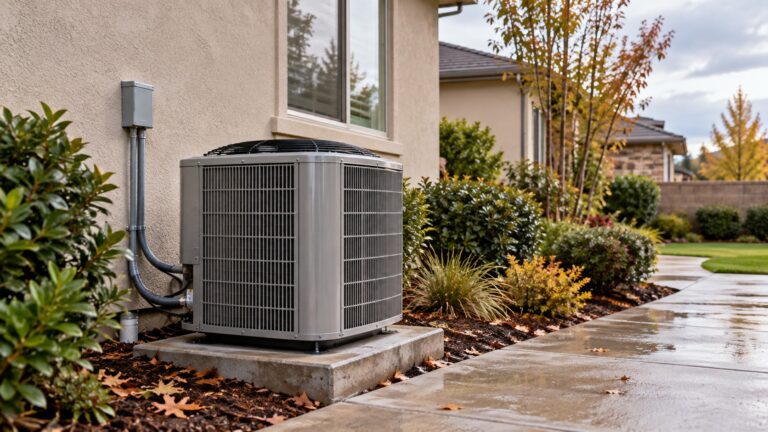
A failed capacitor may prevent your outdoor AC unit from starting even though the thermostat is functioning correctly.
Clogged Drain Switch
Modern air conditioners include safety switches that shut the system down if the condensate drain becomes blocked.
The thermostat may appear unresponsive because the HVAC equipment is intentionally protecting itself.
Blown Control Fuse
Many indoor units contain low-voltage fuses that interrupt communication between the thermostat and HVAC equipment.
Refrigerant Issues
Low refrigerant won’t usually prevent the thermostat from sending commands.
Instead, your system runs continuously because it cannot cool effectively.
Faulty Control Board
The thermostat may send proper signals while the HVAC control board fails to respond.
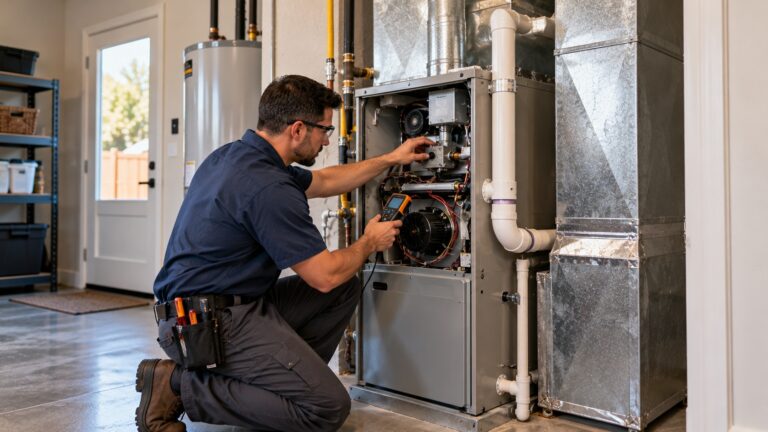
Professional testing is required to distinguish between these components.
Smart Thermostat Issues Every Homeowner Should Know
Smart thermostats offer convenience, remote access, and scheduling features. Studies and industry estimates commonly report energy savings around 10–15% for many households, though results depend on usage patterns and system compatibility.
However, they introduce additional troubleshooting considerations.
Common issues include:
Wi-Fi Connection Problems
Without internet access:
- Remote control stops working
- Weather integration fails
- App notifications disappear
Fortunately, most smart thermostats continue basic heating and cooling operation even if Wi-Fi is temporarily unavailable.
Compatibility Issues
Older HVAC systems sometimes require:
- Common wire (C-wire)
- Adapter kits
- Professional rewiring
Improper installation can create communication errors.
Software Updates
Like smartphones, smart thermostats occasionally receive firmware updates.
Rarely, updates may temporarily affect performance until installation completes.
Incorrect Programming
Complex schedules sometimes override homeowner preferences.
If the thermostat keeps changing temperature unexpectedly, review the programmed schedule before assuming the device has failed.
Should You Repair or Replace Your Thermostat?
Replacement often makes more sense when:
- Thermostat is over 10 years old
- Screen repeatedly fails
- Buttons stop responding
- Temperature readings remain inaccurate
- Multiple repairs have already been performed
New thermostats offer:
- Better accuracy
- Improved energy efficiency
- Easier programming
- Smart home integration
- Remote smartphone control
An HVAC technician can also confirm that the replacement model is compatible with your heating and cooling equipment.
Preventing Future Thermostat Problems
Most thermostat issues can be minimized with routine HVAC maintenance.
Helpful habits include:
- Replace batteries every year.
- Change HVAC filters regularly.
- Keep the thermostat clean.
- Avoid blocking airflow around the device.
- Schedule professional HVAC inspections before peak heating and cooling seasons.
- Don’t repeatedly lower the thermostat to extreme temperatures, air conditioners cool at a fixed rate, so setting the temperature far lower won’t cool your home faster and may increase runtime and wear.
Preventive maintenance also helps technicians identify wiring problems, failing electrical components, and calibration issues before they become expensive repairs.
Final Thoughts
When your thermostat isn’t working, it’s easy to assume the worst. In reality, many issues stem from simple causes such as dead batteries, incorrect settings, or minor electrical interruptions. Starting with a few basic checks can save time and help you determine whether the problem is something you can address yourself or whether it’s time for professional assistance.
For Tracy homeowners, reliable heating and cooling are especially important during periods of extreme summer heat and cooler winter mornings. Keeping your thermostat in good working order and scheduling routine HVAC maintenance helps your entire system operate more efficiently, extends equipment life, and improves year-round comfort.